
Start with the home you already have.
You do not need to replace your internet connection to begin. Tell us about your iPhone, existing HomePod or Apple TV, current WiFi and the accessories you own. We help establish what can be retained and what needs checking before you add new devices.
Choose a single room, the front door or a larger property. The starting point is a clear scope: which devices, which spaces and which routines you want to manage.
The installation is more than the pairing.
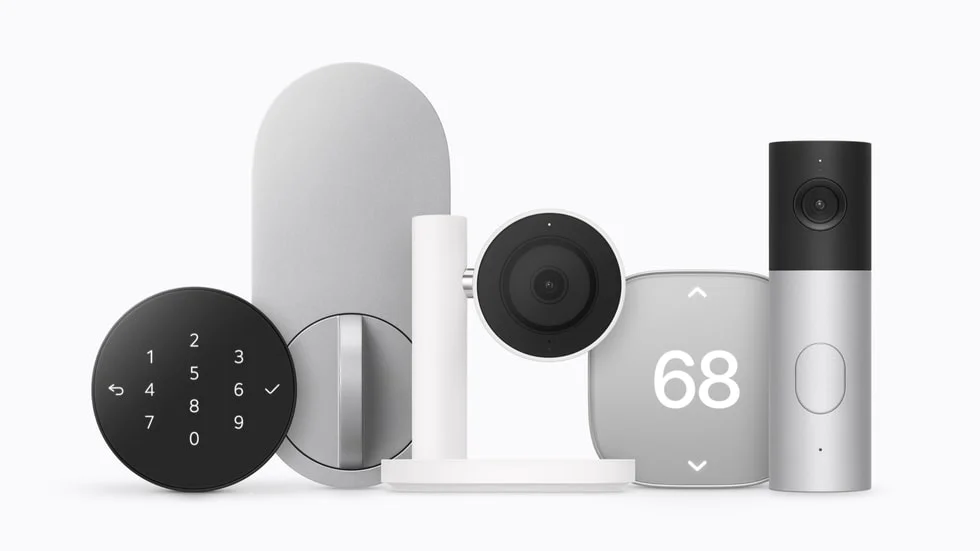
For doorbells and cameras, we review placement, available power and the route for any cabling. For smart locks, we consider the door itself. For thermostats, the existing AC controls and wiring must be reviewed before a recommendation is made.
The announced LG range is covered in our Apple Home Collection guide. For hardware that has not launched locally, the first step is planning and a compatibility review.
Configure it for the people who live there.
A useful handover covers room names, household access and the functions you want to use. We can plan compatible scenes and check the agreed controls on your own devices. Your household retains control of its Apple accounts and passwords.
Share the size of the property, the devices you have and the results you want. We will define the proposed work and separate hardware requirements from installation services.
Your installation questions.
Is Apple Home the same as HomeKit?
HomeKit is a term many customers use when looking for Apple smart home setup. The installation plan focuses on accessories supported by Apple Home and your particular home hub.
Can I install just a HomePod first?
Yes. Start with HomePod setup, then assess compatible accessories when you are ready to expand.